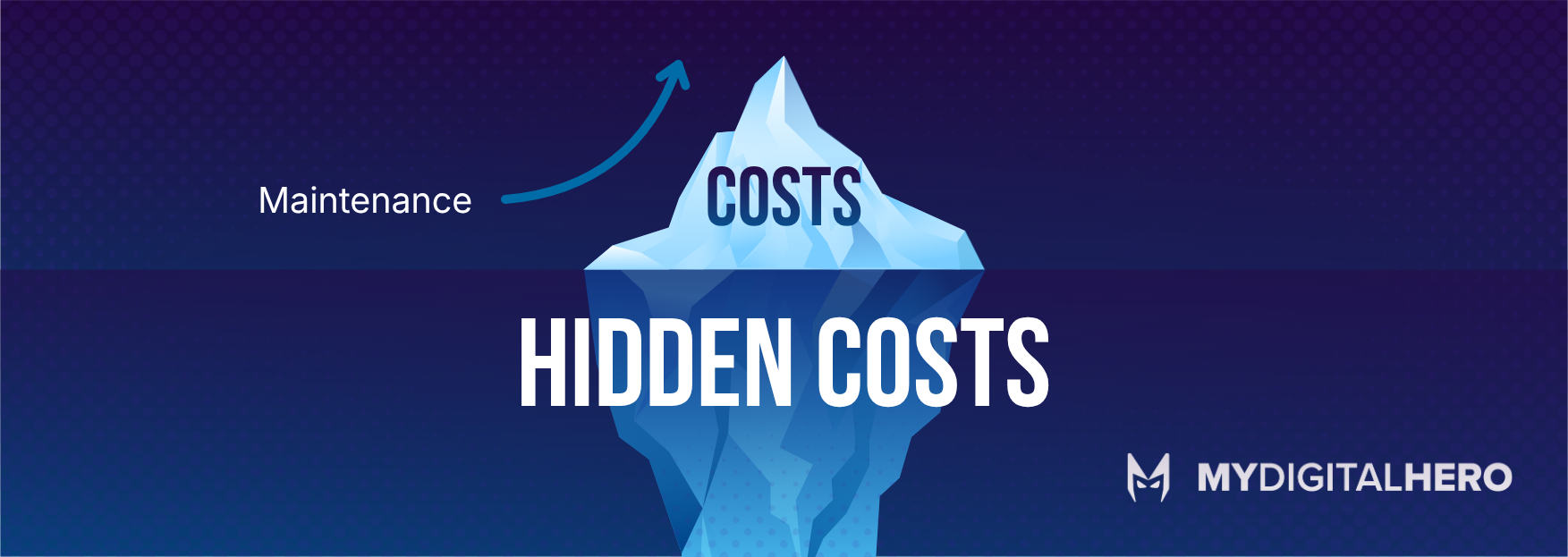
The Hidden Costs
These are the ones that don't show up on a balance sheet but cost you every single day.
Staff time. How many hours per week do your team spend on workarounds? Exporting data from one system, reformatting it, and importing it into another because the two systems can't talk to each other. Manual processes that could be automated if the system supported it. Waiting for pages to load. Working around bugs that everyone knows about but nobody fixes.
Missed opportunities. Modern tools and integrations that you can't use because your system doesn't support them. APIs that could automate your workflow but have nothing to connect to. Features your competitors offer their customers that you simply can't, because your platform won't allow it.
Security risk. This is the one that should keep you up at night. Outdated software is the number one attack vector for cyber threats. Unpatched vulnerabilities, unsupported frameworks, and deprecated security protocols are a ticking clock. The question isn't whether an old system has security holes. It's whether anyone has found them yet.
When to Migrate
Not every legacy system needs replacing immediately. Some are genuinely stable, well-documented, and doing their job. But here are the signs that it's time.
The person who built it no longer works for you, and nobody else fully understands the codebase. The framework or language is no longer actively supported. You're unable to integrate with modern tools your business needs. Security audits keep flagging the same issues. Your team spends more time working around the system than working with it. Customers or staff are complaining about speed, reliability, or missing features.
If three or more of these apply, you're past the "we should probably look at this" stage and into the "this is costing us money every month" stage.
What Migration Actually Looks Like
Migration doesn't have to mean burning everything down and starting from scratch. A lift-and-shift approach takes your existing system and moves it to modern infrastructure, often with incremental improvements along the way. It's like renovating a house room by room instead of demolishing it and building new.
A phased migration typically looks like this. First, a technical audit of the existing system to understand what you're working with (and what surprises might be lurking). Then a migration plan that prioritises the highest-risk or highest-value components. Then incremental migration with testing at each stage. Then decommissioning the old system once everything is stable.
The key is that the business keeps running throughout. There's no "turn it off on Friday and hope the new one works on Monday" moment. That's Hollywood, not software development.
Our tech stack for modern builds includes Laravel, Vue.js, Flutter, MySQL, MongoDB, Redis, Docker, and Kubernetes on DigitalOcean UK servers. Everything we build is designed to be maintainable, scalable, and not the kind of thing someone writes a blog post about in 2036.